Start with the actual property
Use a backyard photo as the starting point for a visual concept, instead of asking visitors to describe the space entirely in words.
We built an AI pool visualization tool, a preliminary estimate calculator, and a custom internal CRM. Homeowners can explore a project while the team receives more context for the sales conversation.
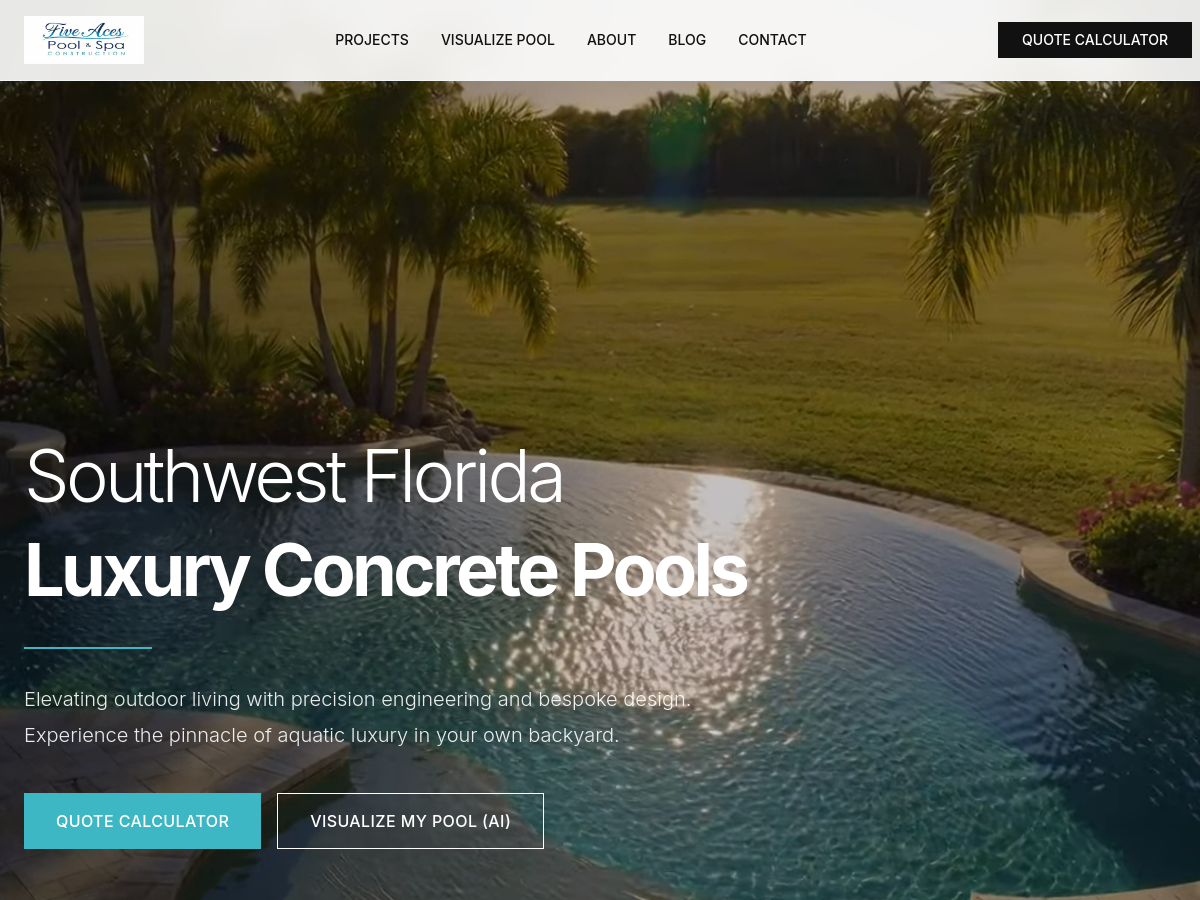

A homeowner considering a pool usually starts with a space and an idea. The builder needs more than a contact name: design preferences, project details, and an understanding of the property help shape the next conversation.
The website for Five Aces Pool & Spa connects its public project presentation with tools for exploring a new pool and requesting a quote.
The builder was balancing work on site with calls, missed emails, and inquiries from people still exploring their options. Administrative and sales work competed for the same attention.
We developed a web platform that combines a project showcase, an AI pool visualization flow, and lead intake. The visualizer moves through photo upload, design selection, project details, and generation, keeping the steps visible along the way.
The application also includes a project map, quote and contact flows, and an administrative workspace. Its intake integration distinguishes inquiries from the contact form, quote flow, and visualizer so the originating context can travel with the request.
Use a backyard photo as the starting point for a visual concept, instead of asking visitors to describe the space entirely in words.
Break the visualization process into named stages and connect the finished concept with the quote conversation.
Structure intake around the action the visitor took, rather than treating every submission as the same generic message.
The configurator calculates a preliminary estimate from the visitor’s pool design, finishes, surrounding surfaces, and optional features, using prices supplied by the builder. Answers about timing, budget, and available funds determine a rule-based score.
The custom CRM brings the request, selections, estimate, and qualifying answers together. The score helps the team decide whom to contact first. People review the inquiry, discuss the project with the potential customer, and prepare the final quote.
The AI generates the visual concept; defined prices and rules determine the estimate and lead score. The visualization flow links to the calculator with the chosen design selected.
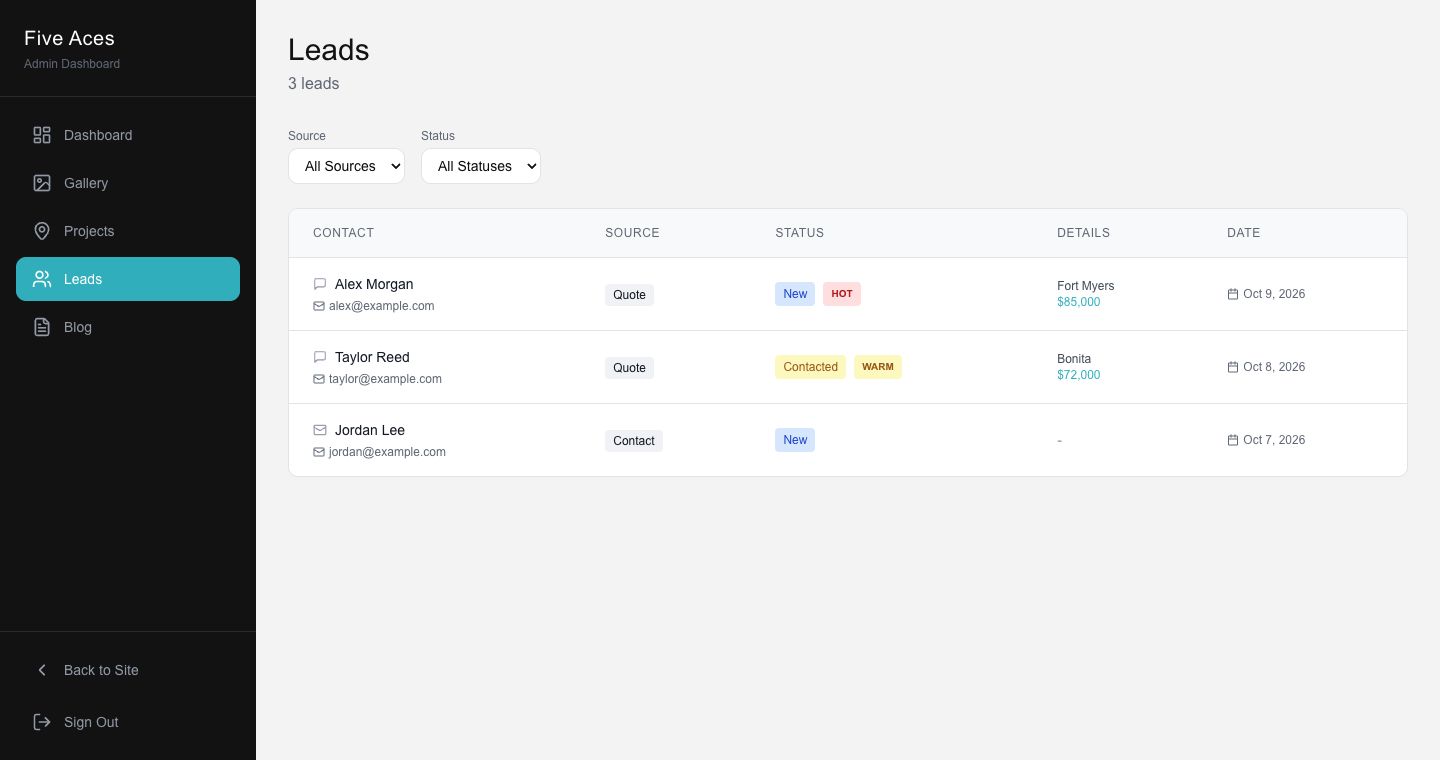
The client uses the custom CRM to manage real inquiries. Prequalified inquiries have made the sales process easier to manage. The preliminary estimate supports the conversation; the final quote follows an assessment of the project. Generated concepts are not construction drawings or guarantees of the finished pool.
Explore workflow automation services →A new idea, a website that needs a rethink, or a process that slows you down. Tell us where you want to go.
You don’t need a finished brief to get started.